Your store's numbers, every day, without copying anything
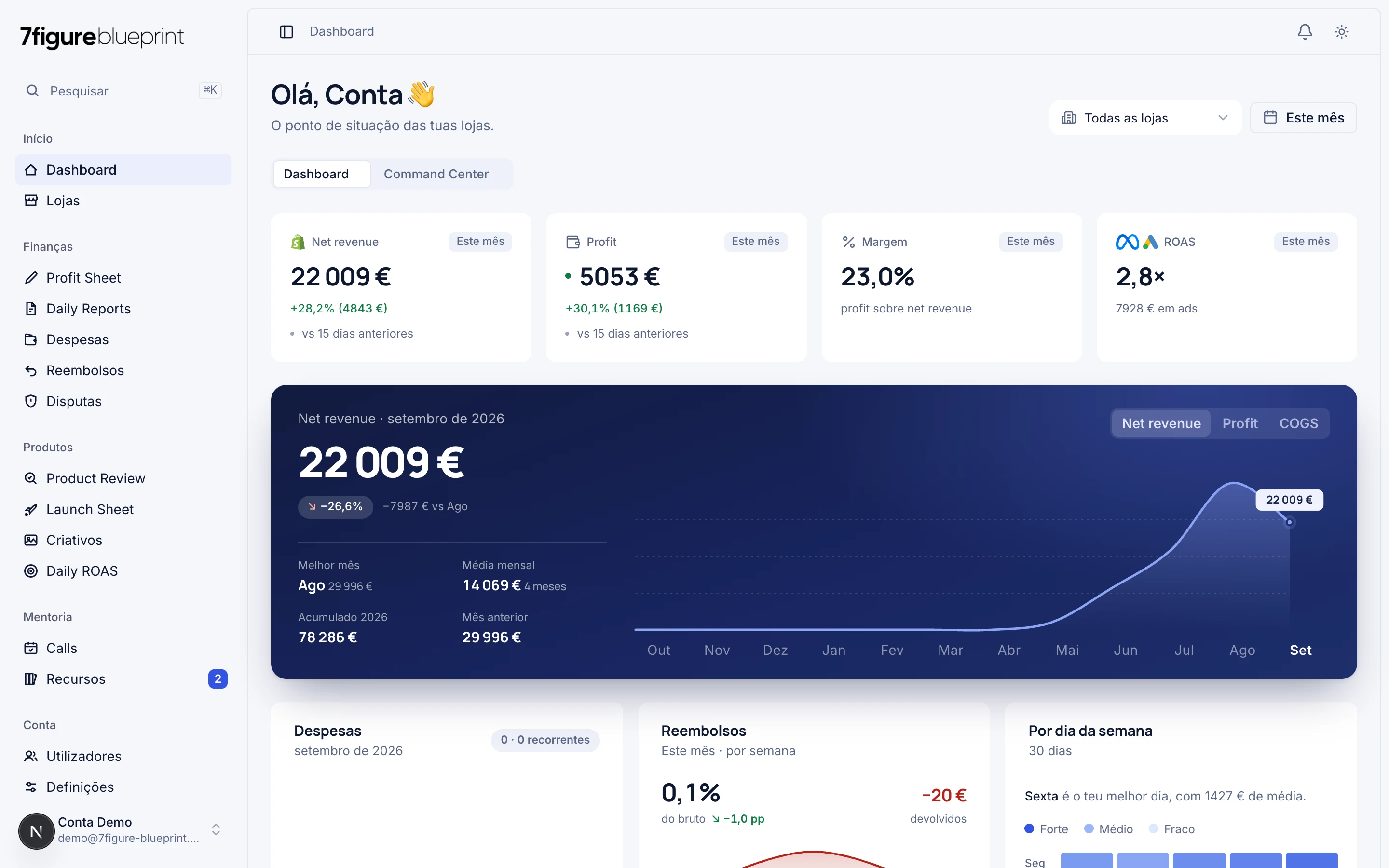
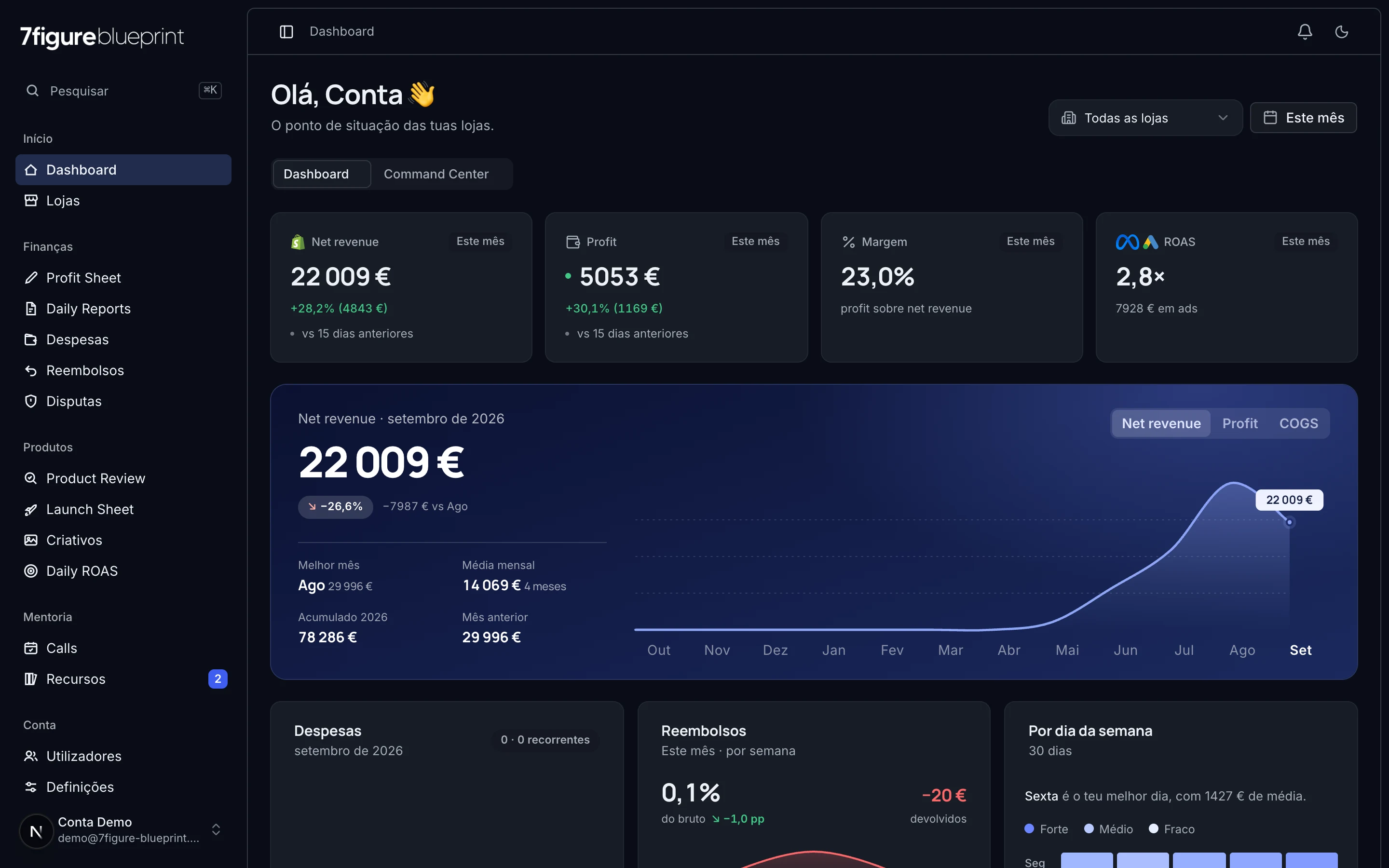
Profit Sheet, Daily ROAS, refunds and disputes in one platform, connected to Shopify, Meta, Google, PayPal and Stripe. For any Shopify store, by invitation. Students of the 7Figure Blueprint programme get free access and coaching tools on top.
Connected to the tools the store already uses
 Shopifyorders and disputesWrites only the defence
 Meta Adsread-only
 Google Adsread-only
 PayPaldisputes
 Striperead-only
Everything you need to read the store
Profit Sheet
Daily ROAS
Refunds
Disputes
Defence built for you
Refunds and disputes linked
Alerts
7Figure Blueprint programme
What it looks like inside

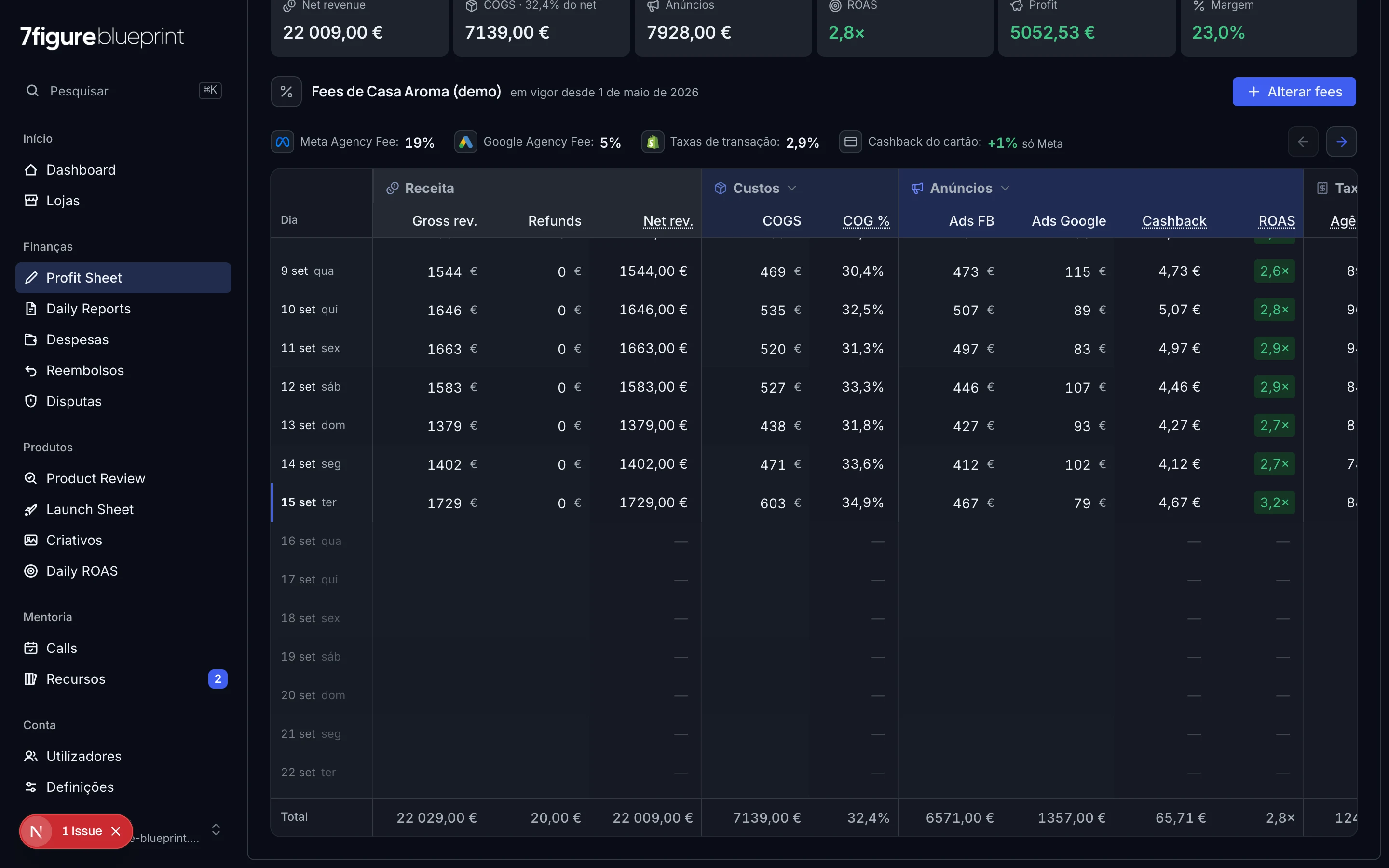
Profit Sheet
Day by day, with Shopify sales already in.
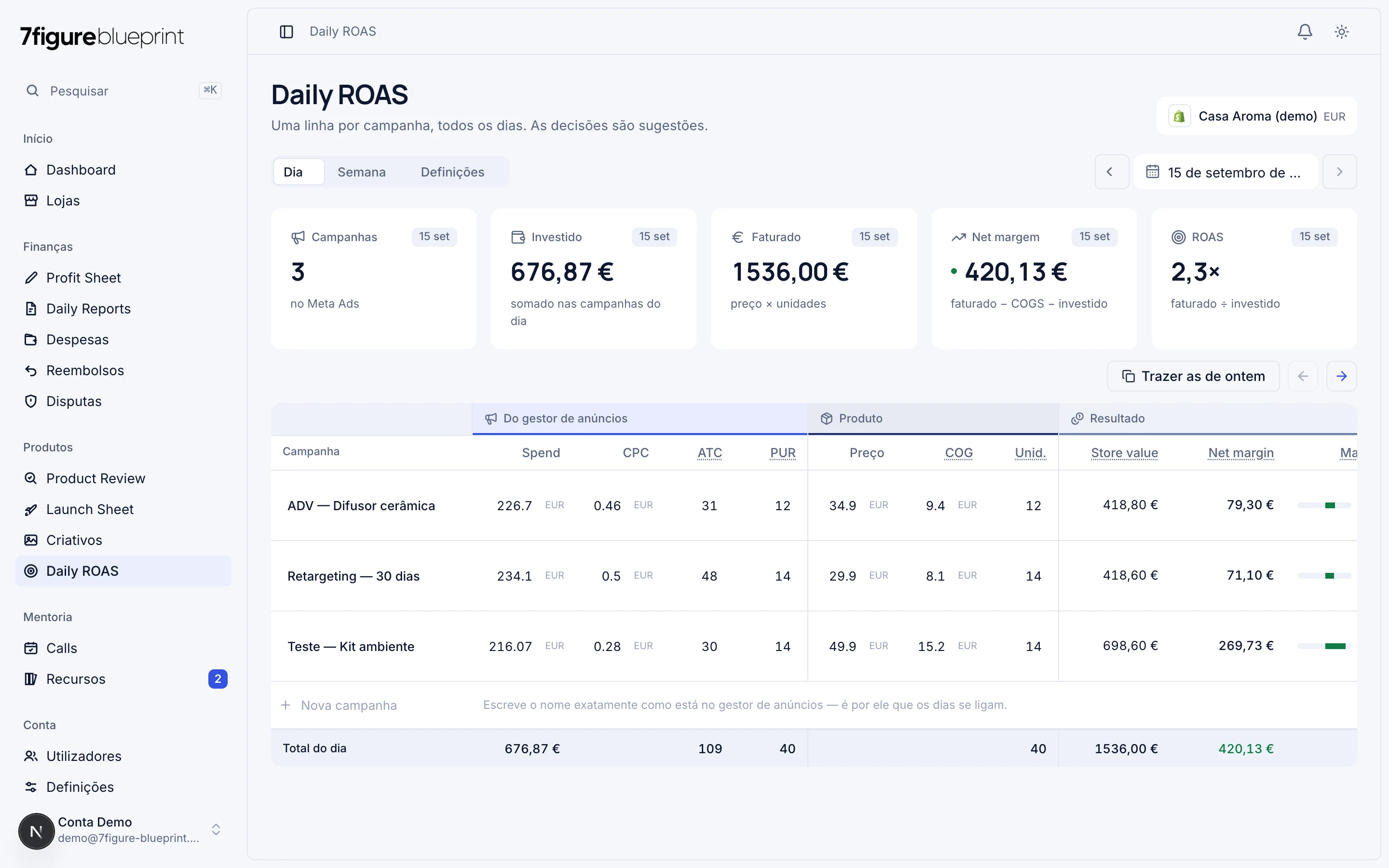
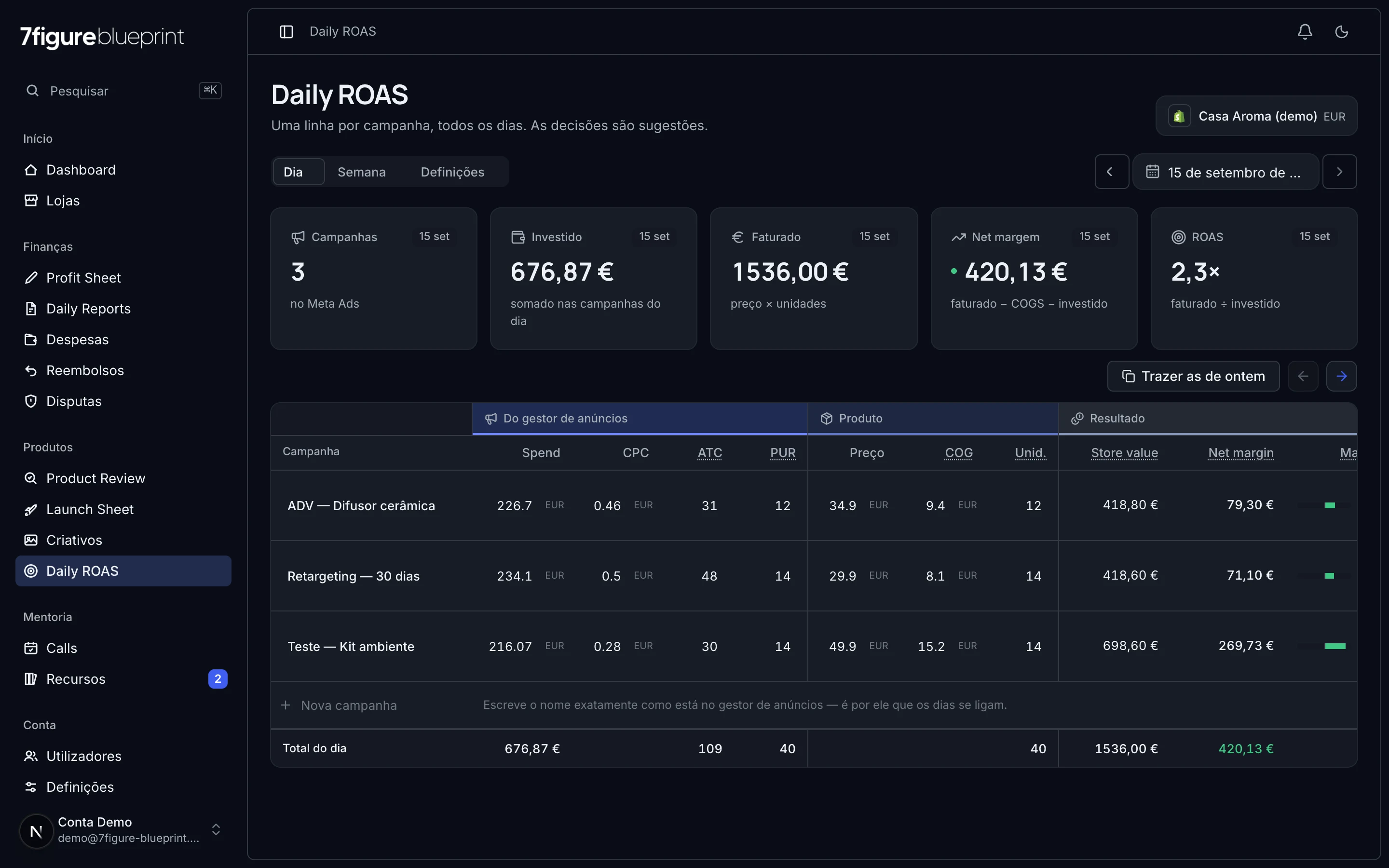
Daily ROAS
Campaigns per day and the decision traffic light.
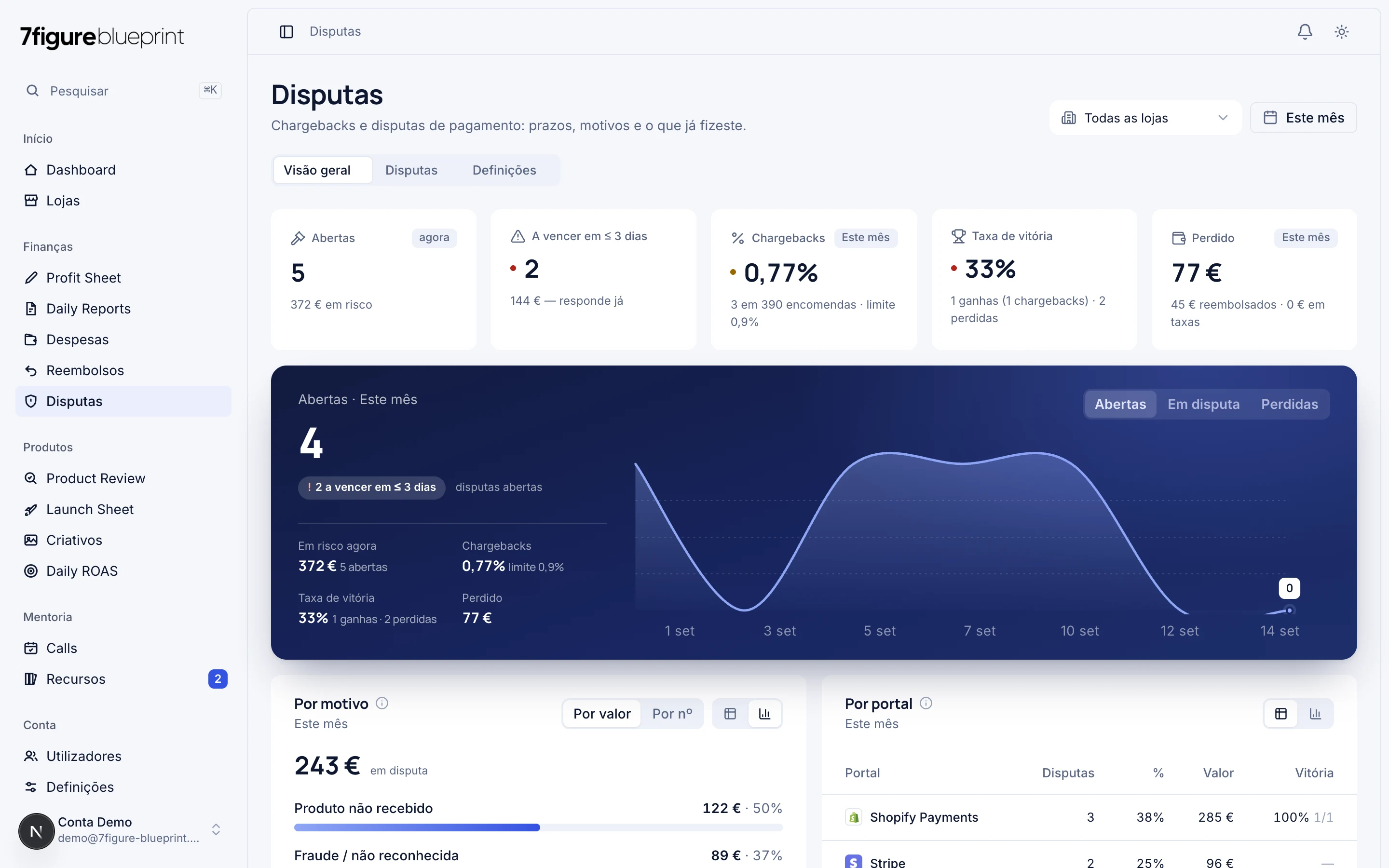
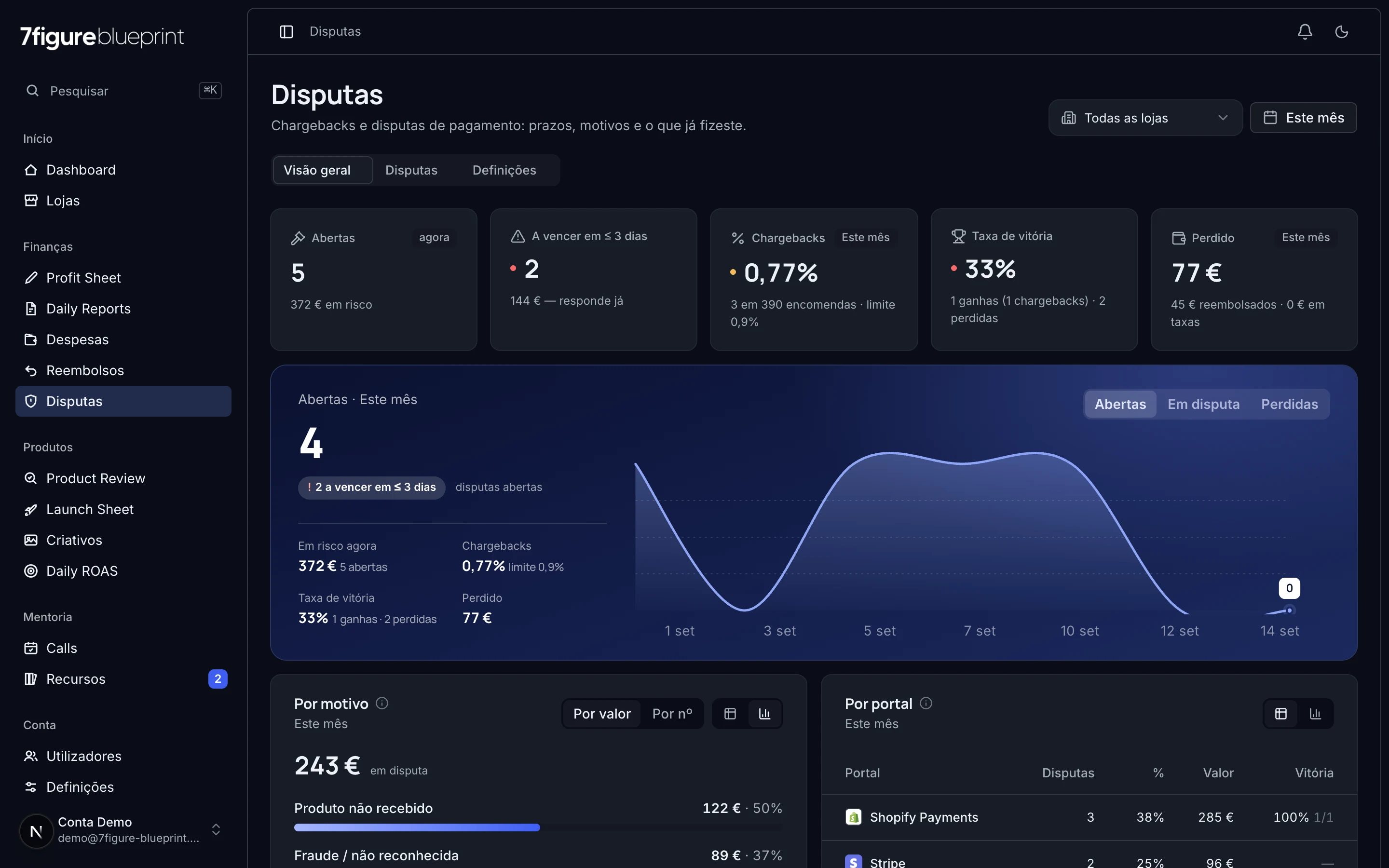
Disputes
Deadlines, type, reason and the strength of each defence.
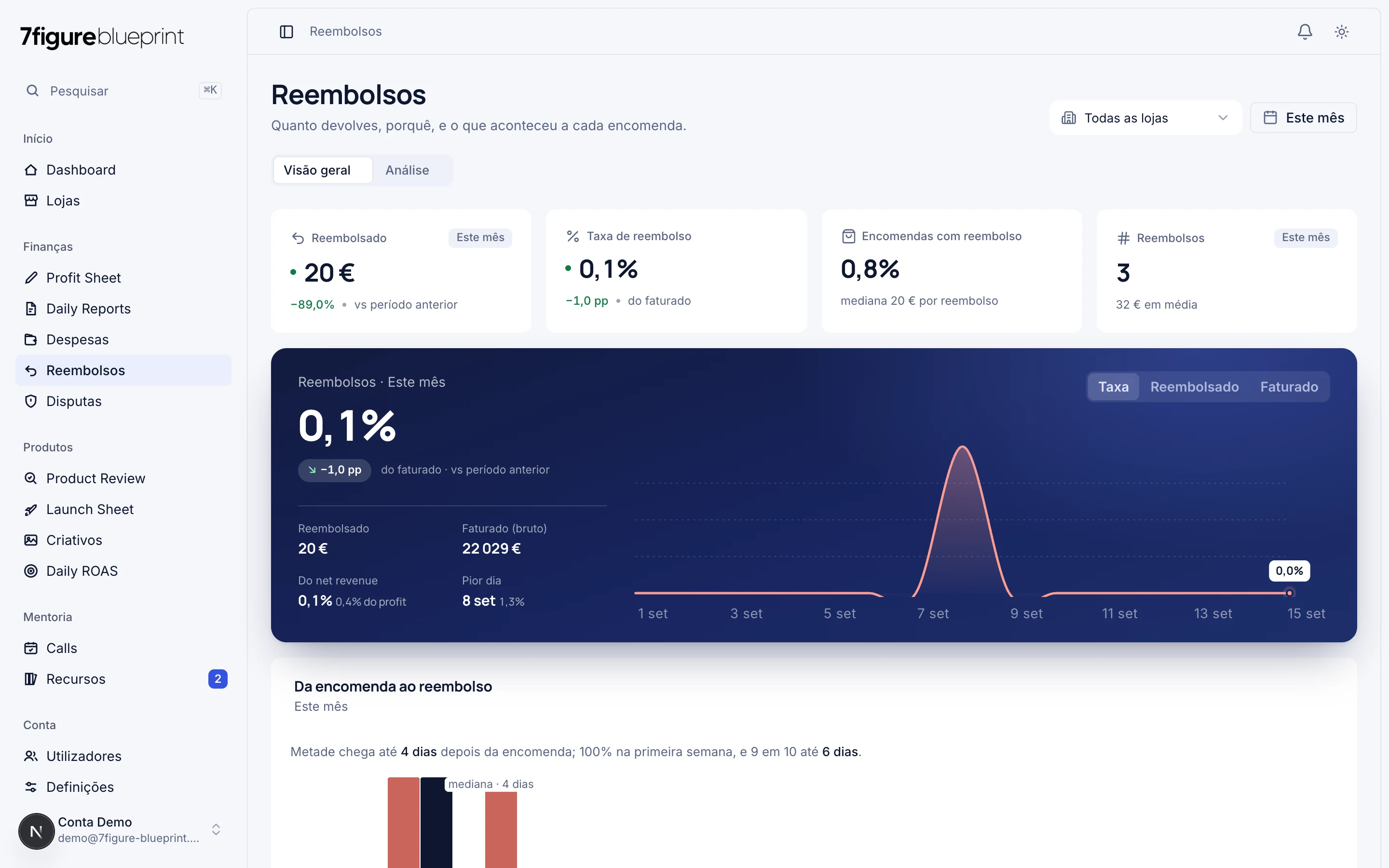

Refunds
Rate, reasons and the bridge to disputes.
What we read from each integration, and what we never do
Each account connects its own stores, with its own credentials. Credentials are stored encrypted, access is the minimum needed to read the numbers, and a connection is removed in one click, deleting the credential.
| Integration | What we read | What we write | Permissions |
|---|---|---|---|
| Shopify | Orders and refunds (sales, currency, country, products), products, and Shopify Payments disputes. | Only the evidence of a dispute, and only after you click submit. | read_orders, read_products, read_shopify_payments_disputes, write_shopify_payments_dispute_evidences |
 Meta Ads Meta Ads | Ad accounts, campaigns and daily metrics: spend, clicks, CPC, add-to-carts, purchases and attributed revenue. | Nothing. We do not create, edit or pause ads. | ads_read |
 Google Ads Google Ads | Accounts, campaigns and daily cost, click and conversion metrics. | Nothing. | adwords (read-only) |
 PayPal PayPal | Disputes: status, deadlines, reason, amount and the linked order. | Messages and evidence on a dispute, only with your explicit confirmation. | Disputes (read, and write on confirmation) |
 Stripe Stripe | Disputes: status, deadlines, reason, amount, fee. | Nothing. | Disputes: read, Charges: read |
Our use and transfer of information received from Google APIs adheres to the Google API Services User Data Policy, including the Limited Use requirements.
The data is yours
Encrypted credentials
Per-account isolation
No data selling
Deletion on request
Questions and answers
Who can use the platform?
Any Shopify store owner, by invitation: write to us and we create the account. Students of the 7Figure Blueprint mentoring programme get free access and coaching tools on top. There is no open sign-up: every account is created by us, and each person connects their own stores and sees only their own numbers.
What is the data we read from the integrations used for?
To compute your numbers (sales, profit, ROAS, refund rate, disputes in progress) and, for programme students, for the coach to follow them. They are not used for advertising, not sold or shared with third parties, and do not train any model.
Does the platform write anything to my accounts?
Almost never. In ad accounts (Meta, Google) and in Stripe, nothing. In Shopify and PayPal, only the evidence of a dispute, and only when the user clicks submit. The integrations table lists exactly what we read and write in each one.
How do I disconnect an integration?
In Stores (Shopify) or in Disputes → Settings (Stripe, PayPal), with the Disconnect button. The stored credential is deleted immediately. You can also revoke access on the provider's side: uninstall the app in the Shopify admin, remove the integration in Meta's or Google's settings, delete the credential in PayPal or Stripe.
How do I delete my data?
Write to support@firstview.io from the email of your account. We confirm within two business days and delete within 30 days: profile, stores, entries, imported data, files and credentials. The step by step is on data deletion.
Where is the data kept and who touches it?
With contracted providers that process data only on our instructions: Supabase (database, authentication, files), Vercel (hosting) and Resend (email). The details, legal bases and your rights are in the privacy policy.
Is a dispute defence submitted automatically?
No. The platform collects the evidence from the store, builds the letter and the PDF, and shows you everything. Submission through the Shopify Payments API only happens after you review and explicitly confirm; you always decide.
Questions about data, access or integrations?
Write to us. We reply within two business days.